Summarize podcast episodes, and keep what you heard
Recl summarizes podcast episodes published on YouTube, where many shows post full episodes. Share the episode to Recl and you get an overview and key takeaways with timestamps, with more points for episodes over an hour, filed by topic and brought back after 1, 3, 7, 14, 30 and 60 days. Spotify and Apple Podcasts audio isn't transcribed.
Steps checked against the app on 23 October 2026.
How to save a podcast episode to Recl
On iPhone or Android
- Find the episode on YouTube (search the show's name and the episode title).
- Tap Share and pick Recl in the share sheet.
- Recl saves it from the share sheet, so you can keep listening in YouTube.
In Chrome on a computer
- Install the Recl extension from the Chrome Web Store and connect it to your account (one visit to app.recl.app/extension/connect while signed in).
- Open the episode's YouTube page and click the Recl button under the video, or press Ctrl+Shift+S (Cmd+Shift+S on a Mac).
With the link
- Copy the episode's YouTube link.
- Paste it into the save box on app.recl.app, or the + tab in the Recl app.
What Recl does with a podcast episode
A summary sized for long episodes
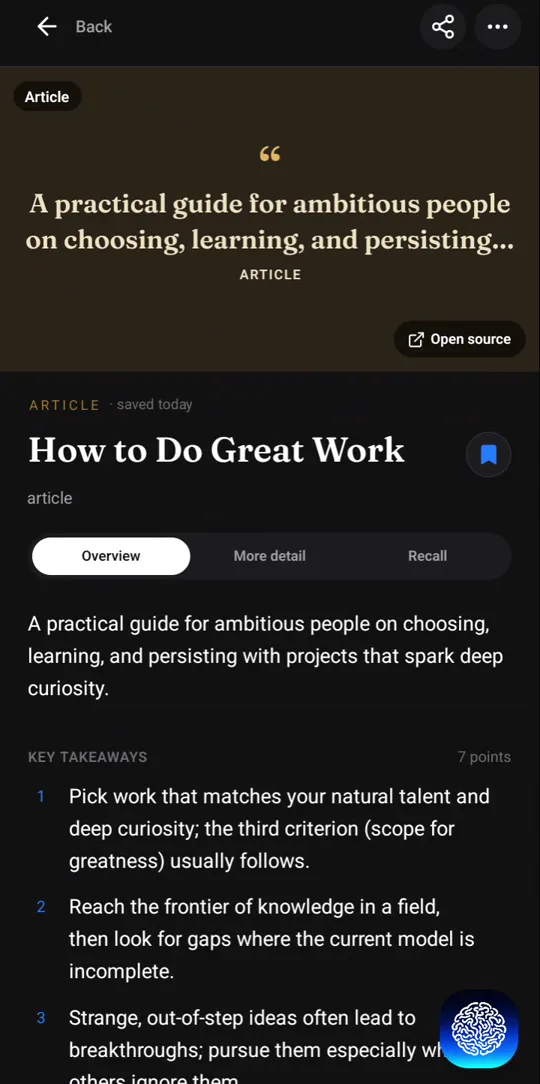
Episodes over an hour get Recl's podcast-length summary: more key takeaways and more timestamps than a ten-minute video, so a two-hour conversation stays easy to navigate.
Jump back to the moment
Every takeaway carries a timestamp, so you can go straight to the part of the conversation where it was said instead of scrubbing through the episode.
Three depths
Short for the gist on a commute, Concise for the structure, Elaborate when an episode is worth studying.
Episodes on the same subject, together
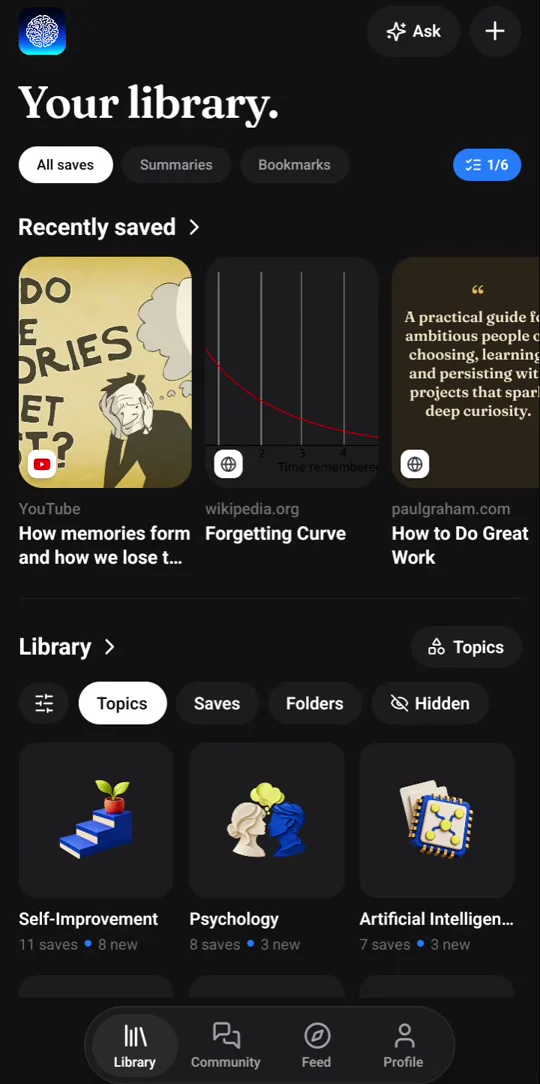
Each episode is filed under the topics it covers, next to the videos and articles you saved about the same thing.
Brought back before you forget
The key ideas come back as a recall card after 1, 3, 7, 14, 30 and 60 days. One tap marks a card reviewed and moves it to the next, longer gap; after the last step it stops coming back.
Good to know
- Recl doesn't transcribe Spotify or Apple Podcasts audio. For a full summary, save the episode's YouTube version.
- Long episodes use more of your plan's content-hours allowance, and episodes of five hours or more ask you to confirm first.
- The episode needs captions or clear speech, which almost every YouTube podcast upload has.
Frequently asked questions
- Which podcasts work with Recl?
- Any episode published as a YouTube video with captions or clear speech. Many interview and video podcasts post full episodes there.
- Can I save a Spotify or Apple Podcasts episode?
- Recl doesn't transcribe their audio, so it can't summarize those episodes. If the show also posts on YouTube, save that version.
- Can I save a whole season?
- If the show keeps a YouTube playlist, yes, on a paid plan: paste the playlist link into the web app and each episode is saved and summarized under it.
Read more
Try it with one save
Save one thing you would hate to forget, and see whether you still remember it next month.