Save articles and newsletters, and remember the point
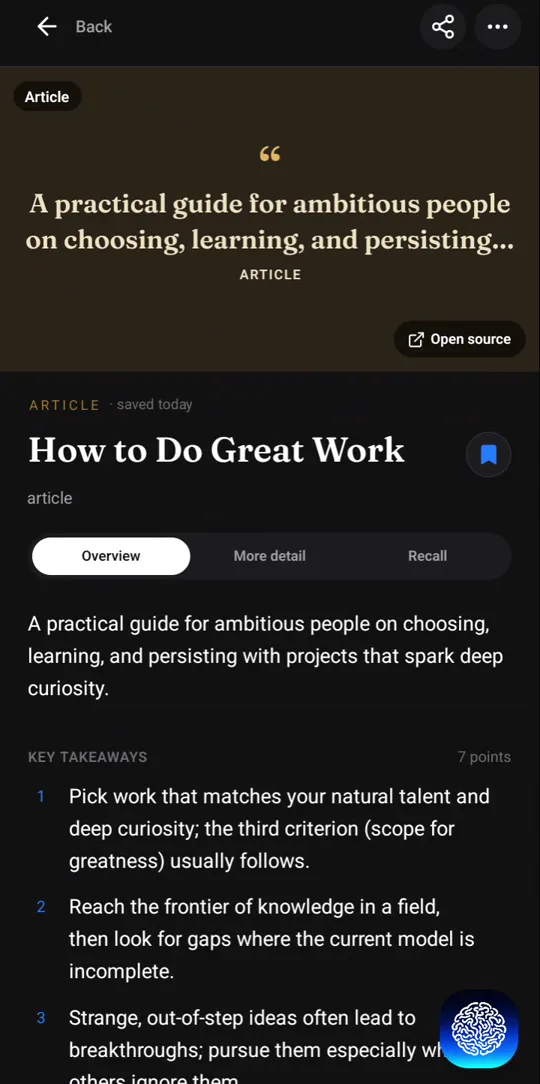
Share an article or a newsletter issue to Recl from your phone and Recl reads the page and writes a summary with its key points. In Chrome, choose Summarize for a summary or Bookmark to keep just the link. Either way it is filed by topic and comes back after 1, 3, 7, 14, 30 and 60 days.
Steps checked against the app on 23 October 2026.
How to save an article or newsletter to Recl
On iPhone or Android
- Open the article in your browser or reader app (Substack, Medium, a news app) and tap Share.
- Pick Recl in the share sheet.
- Recl reads the page and writes the summary; tap Done to go back to reading.
In Chrome on a computer
- Install the Recl extension from the Chrome Web Store and connect it to your account (one visit to app.recl.app/extension/connect while signed in).
- On the article, click the Recl chip or the toolbar icon.
- Choose Summarize for a summary (a paid feature in the extension) or Bookmark to keep the link. Ctrl+Shift+S (Cmd+Shift+S on a Mac) saves the page too.
- To keep one passage, select it, right-click and save it as a quote.
With the link
- Copy the article's link.
- Paste it into the save box on app.recl.app, or the + tab in the Recl app.
What Recl does with an article
The whole piece, summarized
Recl reads the article's text, not just its headline, and writes a summary with the key points, so a long essay becomes something you can review in a few minutes.
Newsletters, blogs and news
It works with ordinary web pages: Substack issues, Medium posts, company blogs, documentation and news sites.
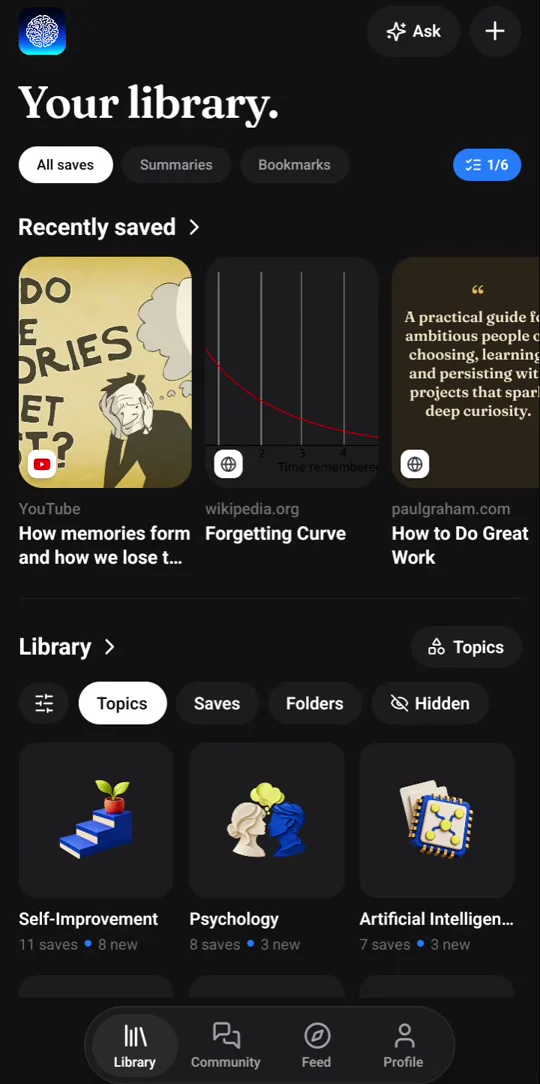
Bookmarks sorted by site
Links you keep as bookmarks are grouped by site, so every Substack link lands in one substack.com folder and every Medium post in one medium.com folder.
Keep a single line
In Chrome, select a sentence, right-click and save it as a quote. It is kept word for word and comes back for review like anything else.
Brought back before you forget
The key ideas come back as a recall card after 1, 3, 7, 14, 30 and 60 days. One tap marks a card reviewed and moves it to the next, longer gap; after the last step it stops coming back.
Good to know
- Recl reads what the page shows a signed-out visitor. Behind a hard paywall or a login, it usually can't summarize the piece.
- Recl saves web pages, not emails. For an email-only newsletter, open the issue's web version (most have a View online link) and save that.
Frequently asked questions
- Does Recl work with Substack and Medium?
- Yes. A Substack issue or a Medium post is an ordinary web page to Recl: share it or save it from Chrome and Recl summarizes the text.
- What is the difference between Summarize and Bookmark in Chrome?
- Summarize reads the page and writes a summary with the key points. Bookmark keeps the link, title and preview image in a folder for that site.
- Can I save a single quote from an article?
- Yes. In Chrome, select the text, right-click and choose to save it to Recl. It is kept word for word as a quote.
Read more
Try it with one save
Save one thing you would hate to forget, and see whether you still remember it next month.