Save Instagram reels, and keep what they taught you
Tap Share on a reel and pick Recl. Recl reads its captions, or transcribes the speech of reels up to three minutes long, and keeps what was said: word for word when short, as a summary when long. The reel is filed under its topics and comes back after 1, 3, 7, 14, 30 and 60 days.
Steps checked against the app on 23 October 2026.
How to save an Instagram reel to Recl
On iPhone or Android
- Open the reel in Instagram and tap the Share (paper plane) icon.
- Open your phone's share sheet (Instagram labels it Share to… or More) and pick Recl.
- Recl saves it in a sheet over Instagram. Tap Done to go back to the reel.
In Chrome on a computer
- Install the Recl extension from the Chrome Web Store and connect it to your account (one visit to app.recl.app/extension/connect while signed in).
- Open the reel on instagram.com and click the Recl chip on the page.
- Choose Summarize for the full save (a paid feature in the extension), or Bookmark to keep the link.
With the link
- In Instagram, tap Share, then Copy link.
- Paste it into the + tab in the Recl app, or the save box on app.recl.app.
What Recl does with a reel
What it said, in writing
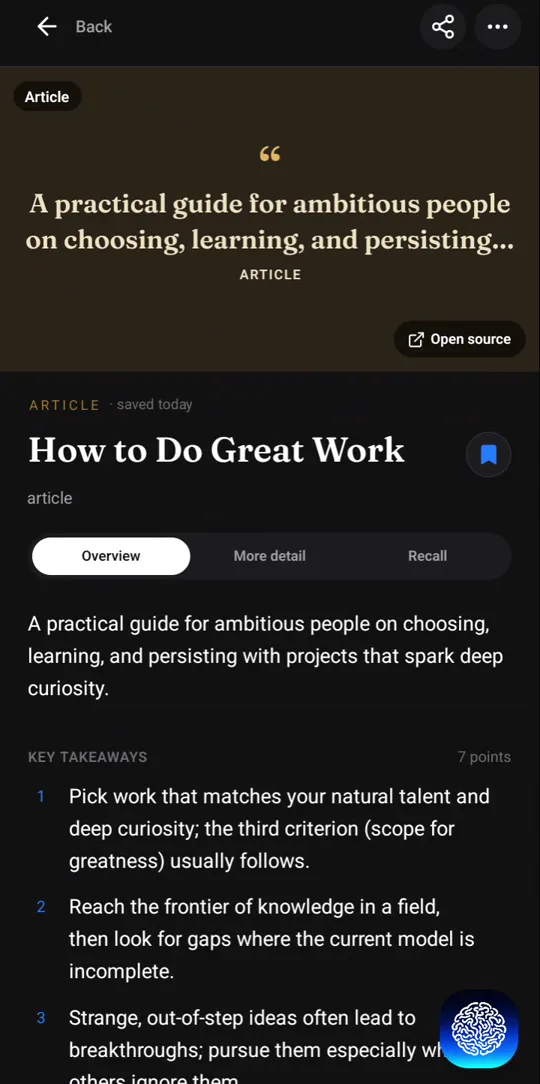
Recl uses the reel's captions. When a reel has none and runs three minutes or less, Recl transcribes the speech. A short reel keeps its words as they were said; a longer one gets a summary with the key points.
No speech? It still works
A reel with no speech is saved from the post's caption. A photo or carousel post with no text at all gets a short summary from its image.
Filed with everything else
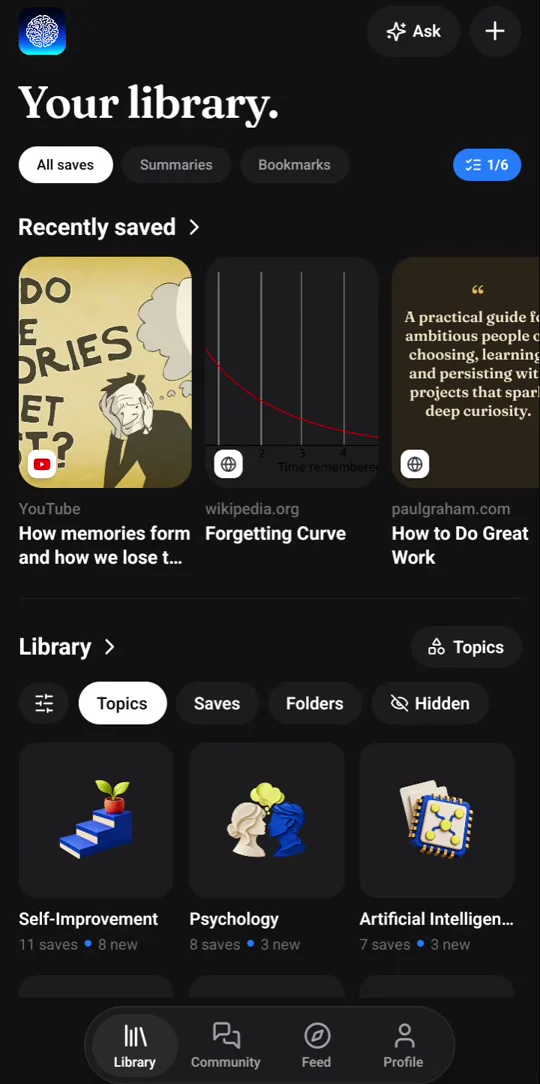
The reel sits in your library next to your videos and articles, under the topics it covers, and in an instagram.com folder with your other reels.
Brought back before you forget
The key ideas come back as a recall card after 1, 3, 7, 14, 30 and 60 days. One tap marks a card reviewed and moves it to the next, longer gap; after the last step it stops coming back.
Your note goes with it
After you share, you can type a note on the save, such as why you kept it or what to try, and it stays attached to the reel.
Good to know
- Recl can only read public posts. A reel from a private account can't be read.
- Speech is transcribed for reels up to three minutes long. A longer reel without captions is saved from its caption text.
- Search by meaning in the Chrome extension covers saved YouTube videos, not reels. Ask still finds a reel by what its summary says.
Frequently asked questions
- Do I need to give Recl my Instagram login?
- No. You share a link to Recl; Recl never asks you to sign in to Instagram to save a reel.
- Does Recl download the video?
- No. Recl keeps the link, a cover image, the text and the summary. The reel itself stays on Instagram.
- Can I save photo and carousel posts too?
- Yes. Recl works from the post's caption, and from its image when there is no text.
- Will saved reels come back for review?
- Yes. A reel goes onto the same recall schedule as everything else you save: 1, 3, 7, 14, 30 and 60 days, one tap to mark it reviewed.
Read more
Try it with one save
Save one thing you would hate to forget, and see whether you still remember it next month.