An AI video summarizer that helps you remember
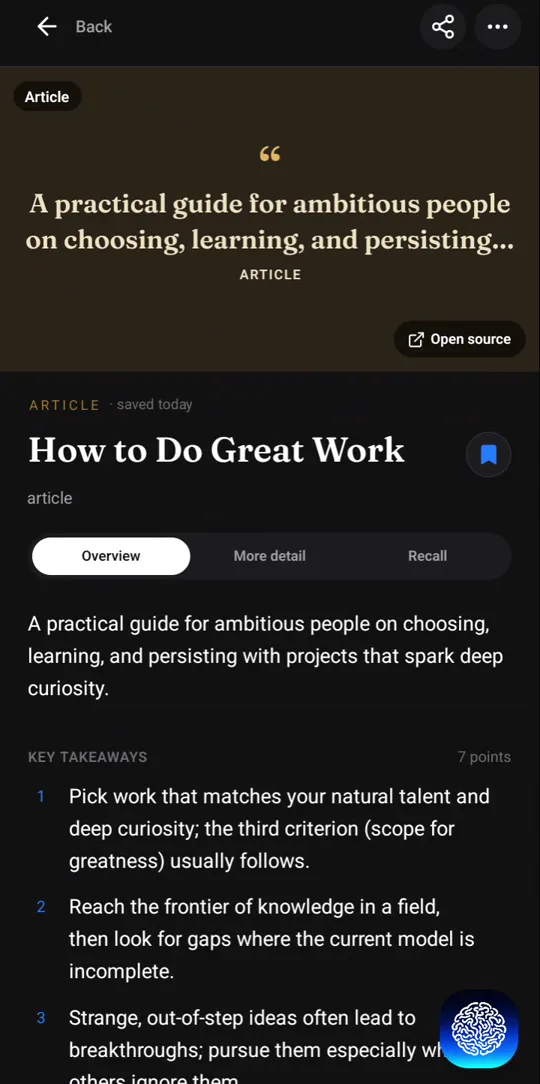
Recl turns a YouTube video into a one-line overview and key takeaways, each with a timestamp that jumps back to the moment it was said. Read it at three depths, Short, Concise or Elaborate, then keep it: Recl files the summary by topic and brings the key ideas back on a spaced schedule.
What's in a Recl video summary
| Part | What you get |
|---|---|
| Overview | One line that says what the video is about. |
| Key takeaways | The main points as short statements, each with a timestamp that jumps back to the moment it was said. |
| Short | The gist, for when you have a minute. |
| Concise | The structure of the video: headings and points, each with its time range. |
| Elaborate | A deeper read for study. On the web it can also list action items, frameworks, a glossary and key quotes when the video has them. |
| Topics | The subjects the video covers, used to file it in your library automatically. |
| Language | Written in the language your Recl app is set to, whatever the video's language. |
See a full worked example in What a Recl summary looks like.
How to summarize a YouTube video
On iPhone or Android
- Open the video in the YouTube app and tap Share.
- Pick Recl in the share sheet. On iPhone it can sit under More the first time.
- Recl saves it from the share sheet and shows it reading the video and pulling out the key ideas. You stay in YouTube.
In Chrome on a computer
- Install the Recl extension from the Chrome Web Store and connect it to your account (one visit to app.recl.app/extension/connect while signed in).
- On any YouTube watch page, click the Recl button in the row under the video, or press Ctrl+Shift+S (Cmd+Shift+S on a Mac).
- The summary is built in the background and appears in your library.
On the web
- Copy the video's link.
- Paste it into the save box on app.recl.app (or the + tab in the Recl app).
What happens after the summary
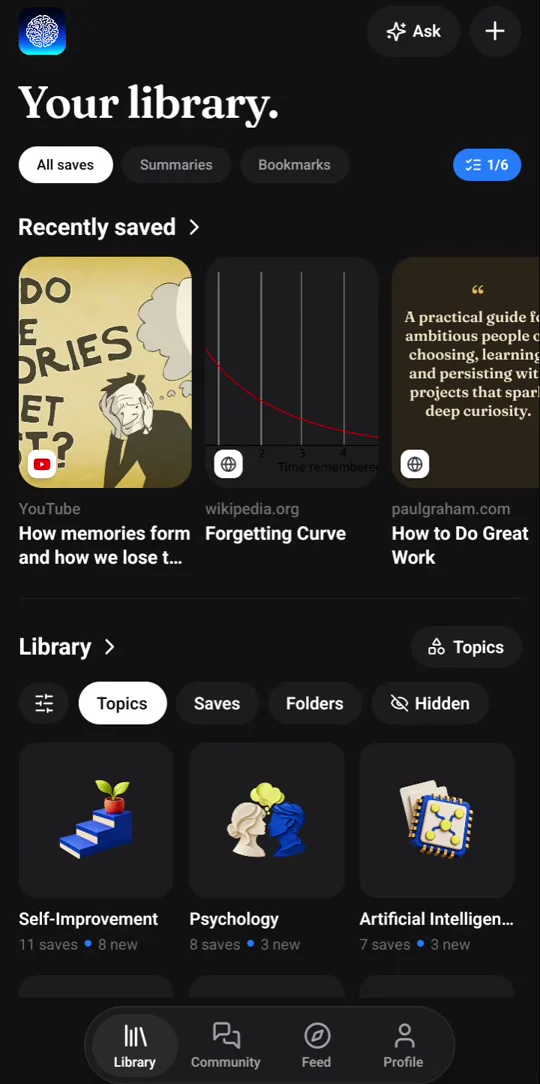
It stays in your library
Every summary is saved next to the video, so you can come back to it, add a note, or open the video at any timestamp.
It sorts itself
Each video is filed under the topics it covers. You never pick a folder.
It comes back on schedule
The key ideas return as a recall card after 1, 3, 7, 14, 30 and 60 days. One tap marks a card reviewed.
You can ask it questions
Ask Recl a question and get an answer from your saves, with the sources. In the Chrome extension, search your saved videos by meaning.
What it works on
- YouTube videos and Shorts, with the summary sized to the video.
- Lectures, talks and podcasts on YouTube: episodes over an hour get a podcast-length summary with more takeaways and timestamps.
- Whole YouTube playlists on a paid plan, each video summarized under the playlist.
- Videos in other languages, summarized in your app's language.
- Instagram reels, TikToks and X videos, with a shorter treatment: their words or a short summary.
Good to know
- A video needs captions or clear speech to be summarized.
- Videos of five hours or more ask you to confirm first. Paid plans include an allowance of content hours each period, not unlimited hours.
Frequently asked questions
- How do I summarize a YouTube video with AI?
- Share the video to Recl from the YouTube app, click the Recl button under the video in Chrome, or paste its link into app.recl.app. Recl reads the transcript and the summary appears in your library, usually within about a minute.
- Does it work on videos without captions?
- Recl tries more than one way to get a transcript. A video with no captions and no clear speech can't be summarized, and Recl tells you so instead of guessing.
- Can it summarize a video in another language?
- Yes. The summary is written in your app's language, so a Spanish lecture can come back as an English summary if your app is in English.
- How is this different from asking a chatbot for a summary?
- A chat summary stays in the chat. Recl keeps the summary in your library, links every point to its timestamp, files it by topic, and brings the key ideas back after 1, 3, 7, 14, 30 and 60 days.
- Can it summarize Instagram reels or TikToks?
- Yes, with a shorter treatment: Recl reads their captions or transcribes clips up to three minutes long, and keeps what was said as text or a short summary.
- Is there a free plan?
- Not right now. Recl is a paid app — monthly and yearly plans both unlock every feature, and you can cancel anytime.
Read more
Compare and decide
Summarize your first video
Pick a video you meant to remember, save it to Recl, and read its summary in about a minute.